
Understand this result with reaction time test. Keep the task and input settings visible when comparing results.
How should you use the reaction time trainer?
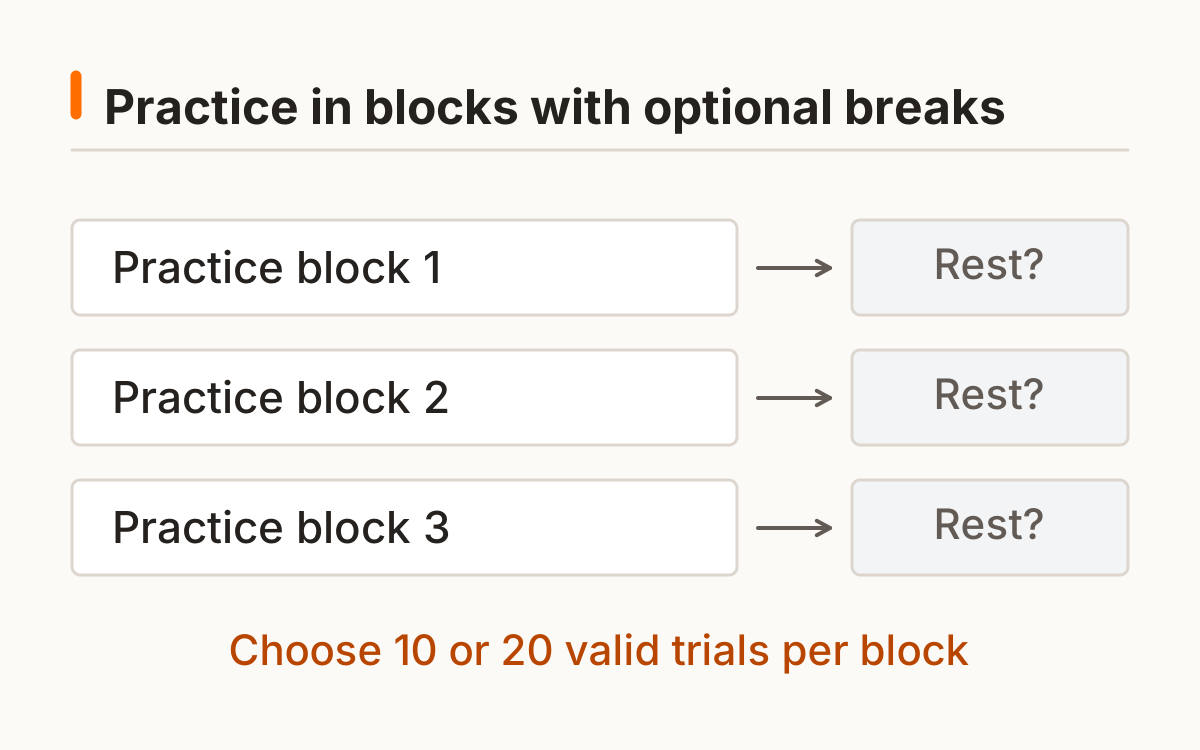
Use the reaction time trainer for a deliberate block of ten or twenty valid responses. Choose the input and block length first, then respond to the same variable-delay visual signal each round. The trainer reuses the basic timing method while giving practice a separate workflow.
A block stops when its quota is complete. You choose when to continue after a break, with a maximum of three blocks before starting fresh. No adaptive rule silently changes the waiting-time range to make later rounds easier or harder.
- Choose 10 or 20 valid responses.
- Complete the block without changing input.
- Read the median, spread, and false-start count.
- Rest before manually starting another block.
The reaction time trainer produces one record per completed block. Early presses stay separate from the quota. Complete a block without persistence and export the current session if you want a copy; saving history is optional.
How does the reaction time trainer record a block?
Each completed block records its valid-trial count, median, interquartile range, and false starts. Early presses do not fill the quota. The interquartile range uses linearly interpolated 25th and 75th percentiles on the sorted values; it describes the middle spread, rather than an improvement target.
The timer uses a monotonic browser clock. See the documentation for the software time reference and resolution limits. MDN browser timing documentation.
Reaction time training: how do you keep sessions comparable?
Keep reaction time training comparable by preserving protocol, input, device, block length, and task. Mixing a ten-response mouse block with a twenty-response touch block makes it harder to understand a change. Separate those conditions in a log rather than averaging them into one trend.
Optional browser history stores completed blocks with settings and raw values. CSV export also works for the current session without saving history. If browser storage is unavailable, the reaction time trainer still runs and clearly reports that persistence is unavailable.
Group logs by input and block length. The local best applies to matching settings, while dates and counts stay with the entries. A ten-trial touch block and twenty-trial keyboard block should not become one hidden average.
Reaction training: when should you take a break?
Take a break when tired, uncomfortable, or losing attention. The next block begins only when you choose to start it. Reaction training does not require racing through rests or continuing after discomfort, and this tool does not prescribe a medical exercise routine.
A maximum of three blocks keeps one practice session bounded. Starting fresh resets the active session while optional saved history remains available until cleared. The timer never treats an early response as a completed practice repetition.
A rest is an unscored interval chosen by you. The reaction time trainer does not lower difficulty during it or reward skipping it. The next block uses the same cue and waiting range when you choose to continue.
What can a local trend show?
A local trend shows how your measured results vary across matching blocks. It can reveal a changed spread, more false starts, or a different median. It cannot by itself establish why a change happened or whether it transfers to a real-world activity.
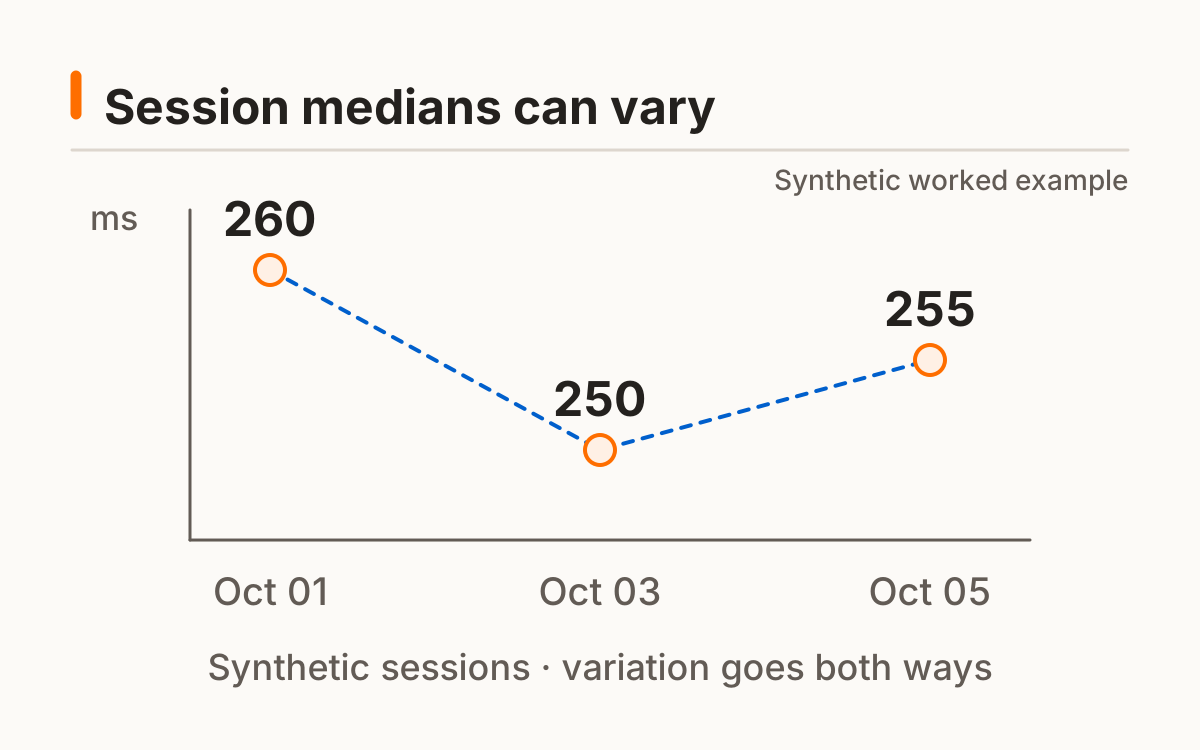
For the synthetic sorted set 100, 200, 300, 400, and 500 ms, the median is 300 ms. The interpolated lower and upper quartiles are 200 and 400 ms, giving an IQR of 200 ms. Real trainer blocks use the same method. No guaranteed gain, driving benefit, or cognitive-training outcome is inferred.
A narrower IQR can accompany a similar median, while a lower median can accompany more false starts. Record those differences. Review multiple compatible blocks and setup notes rather than calling every lower center an improvement.
Frequently asked questions
How long is a block?
Choose ten or twenty valid trials; duration depends on the randomized waits.
Are better scores guaranteed?
No; practice outcomes are not promised.
Does it upload my history?
The proposed history and export stay local.
Can I change input mid-block?
Restart the block with the new input label.
Why include breaks?
They let you stop and restart deliberately; no measured optimal break duration is claimed.
Sources and method
MDN browser timing documentation. Read this source within its own method; the protocol and synthetic examples on this page describe this site’s implementation.
Published October 20, 2026 · human-reactiontimetest.com · Report a correction