
Understand this result with reaction time test. Keep the task and input settings visible when comparing results.
How does the choice reaction time test define a response?
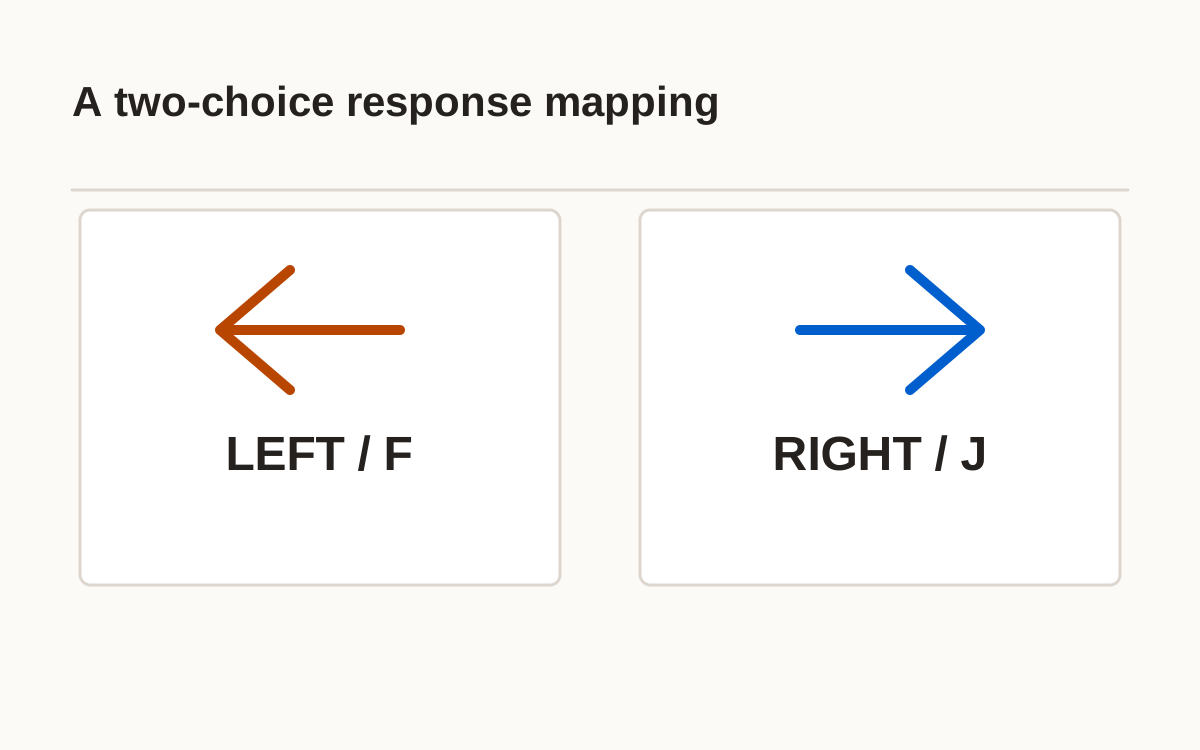
This choice reaction time test requires selecting one of two responses. LEFT maps to Left or F; RIGHT maps to Right or J. Each session shuffles ten of each cue. After a random 1–2.5-second wait, the cue appears and a 1.5-second response window begins.
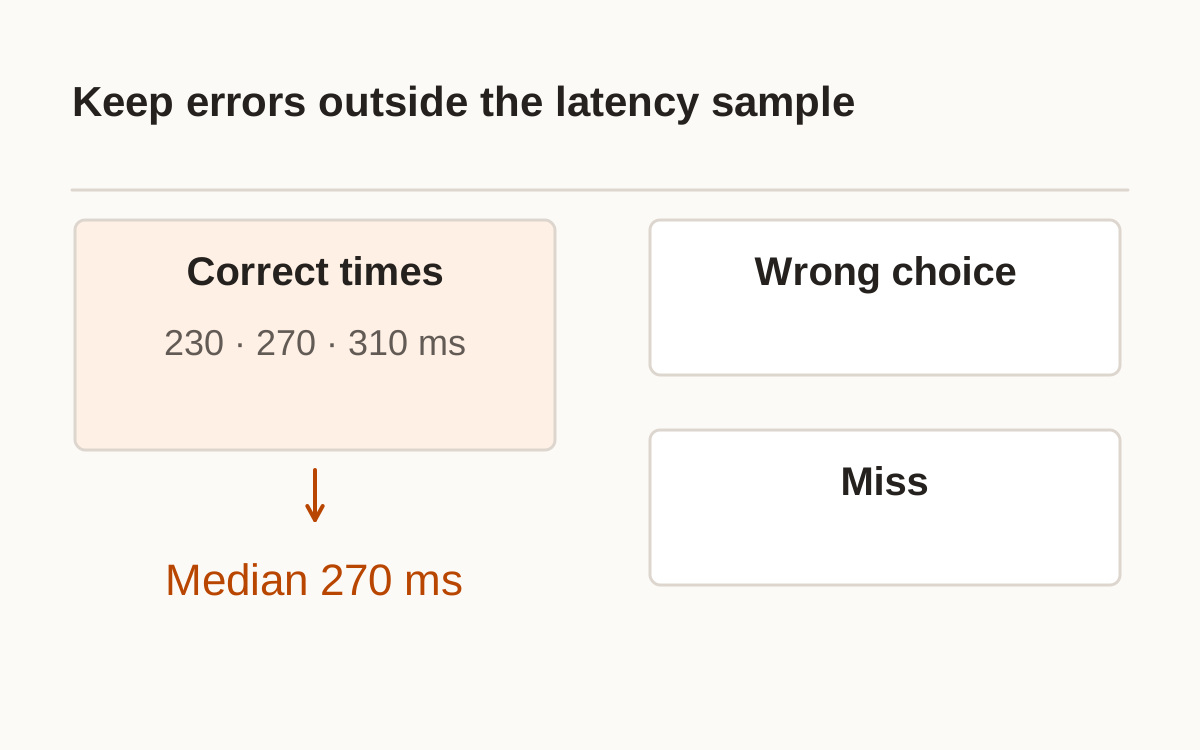
The correct side inside the window adds a timed hit. The wrong side is an error, and an unanswered cue is a miss. Each outcome consumes a scored cue. The median keeps correct times separate from errors. This original two-choice browser task does not reproduce a named laboratory instrument or provide a diagnostic score.
- Learn Left/F and Right/J.
- Start a cue and wait.
- Match the displayed word and arrow.
- Read the result, then advance.
What counts as a wrong choice in the choice reaction time test?
An early response retries the current cue and increments its own counter. It is never a fast correct trial. A fresh key press is required and the mapping remains fixed throughout the session.
This documentation defines the monotonic software clock used for intervals; it does not calibrate physical display or input delay. MDN: Performance.now().
2 choice reaction time test: which input matches each cue?
The task adds selecting a response to the cue-and-press procedure. Words and arrows identify the side, so color is not essential. Keyboard mode uses F and J; selected mouse or touch mode uses labeled buttons. Keep the input fixed so the session describes one procedure.
Do not subtract this median from a simple-response median and call the difference a pure mental stage. Cue design, response options, and errors differ too. Report each measured task directly. Held and repeated keys do not create additional answers, while keys outside the response mapping do not count as a choice.
Choice reaction time test online: how are errors reported?
Read the correct-response median alongside its sample size and errors. A synthetic example with correct times of 230, 270, and 310 ms has a median of 270 ms. Wrong responses and misses are not entered as zero or as the deadline. With no correct timed responses, the median is unavailable.
A low median with many wrong choices describes different behavior from a similarly low median with every choice correct. The window accepts responses before its end; an event at or after 1.5 seconds cannot become a valid hit. That is a procedure rule, not a universal biological threshold.
| Event | Result |
|---|---|
| Correct side before deadline | Hit with valid time |
| Wrong side | Wrong-choice error |
| Unanswered by deadline | Miss |
| Press during wait | Early press; retry cue |
How should you compare a two-choice session with other tasks?
Repeat with the same mapping, input, and setup. Losing focus or hiding the page cancels the active cue without consuming it or charging an error. Resume with a retry. Reset cancels pending waits and clears the session, preventing an old callback from scoring a later attempt.
The final panel lists all twenty outcomes. Optional history and CSV export retain input, protocol, and trial-level results; saving starts off. Those records describe changes in this task. They do not establish intelligence, clinical status, research norms, or competence in an unrelated activity.
Frequently asked questions
Which keyboard keys are used?
Choose keyboard and use F for Left or J for Right; held repeats are ignored.
Does a wrong choice become a slow time?
No. It is an error outcome rather than an invented latency.
Is the sequence balanced?
Each session shuffles ten Left and ten Right cues.
What happens if I do not respond?
After the 1.5-second cue window it is recorded as a miss.
Is this a clinical choice-response test?
No. It is an original browser protocol without clinical norms.
Sources and method
- MDN: Performance.now() · checked 2026-10-21. Read within its original procedure; this site’s examples and rules are separate.
Published October 21, 2026 · human-reactiontimetest.com · Report a correction