
Try the method in reaction time test. Keep the task and input settings visible when comparing results.
How should you choose a reaction time test app?
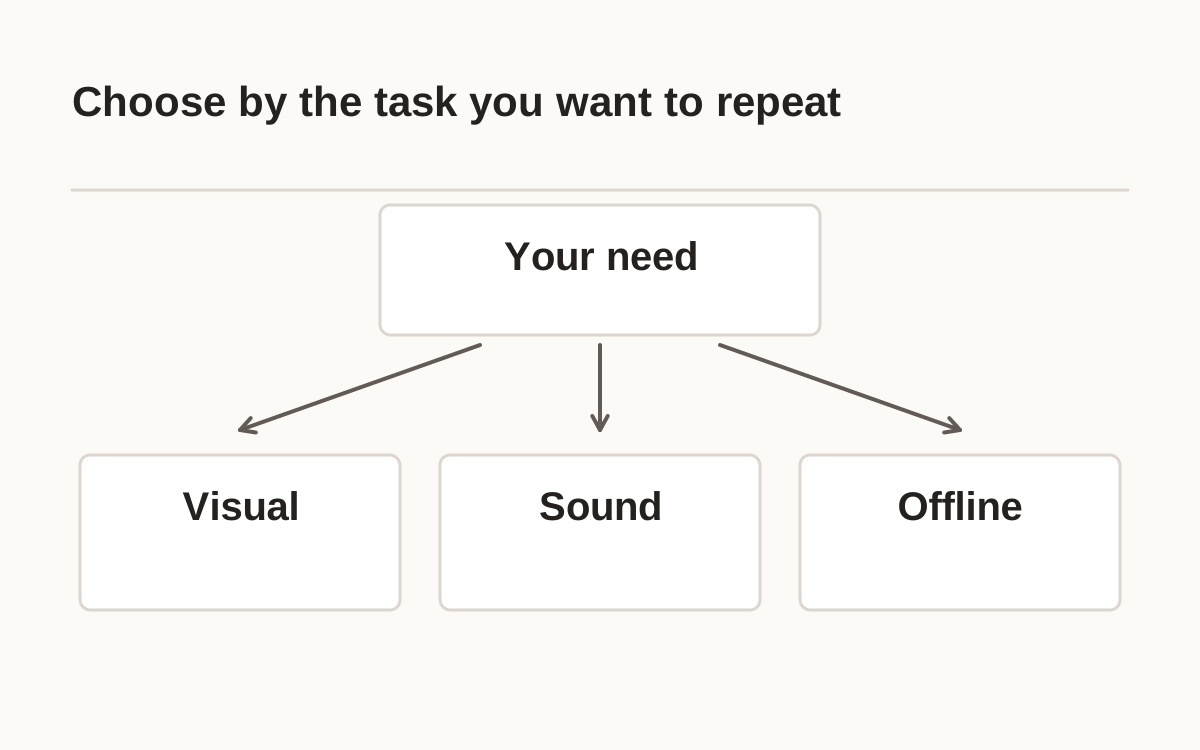
Choose a reaction time test app by the session you want to repeat. Decide on visual or sound cues, touch or keyboard input, and individual trial records. Inspect the stated procedure. A visual tap and an auditory keypress belong in separate comparison groups even if both display milliseconds.
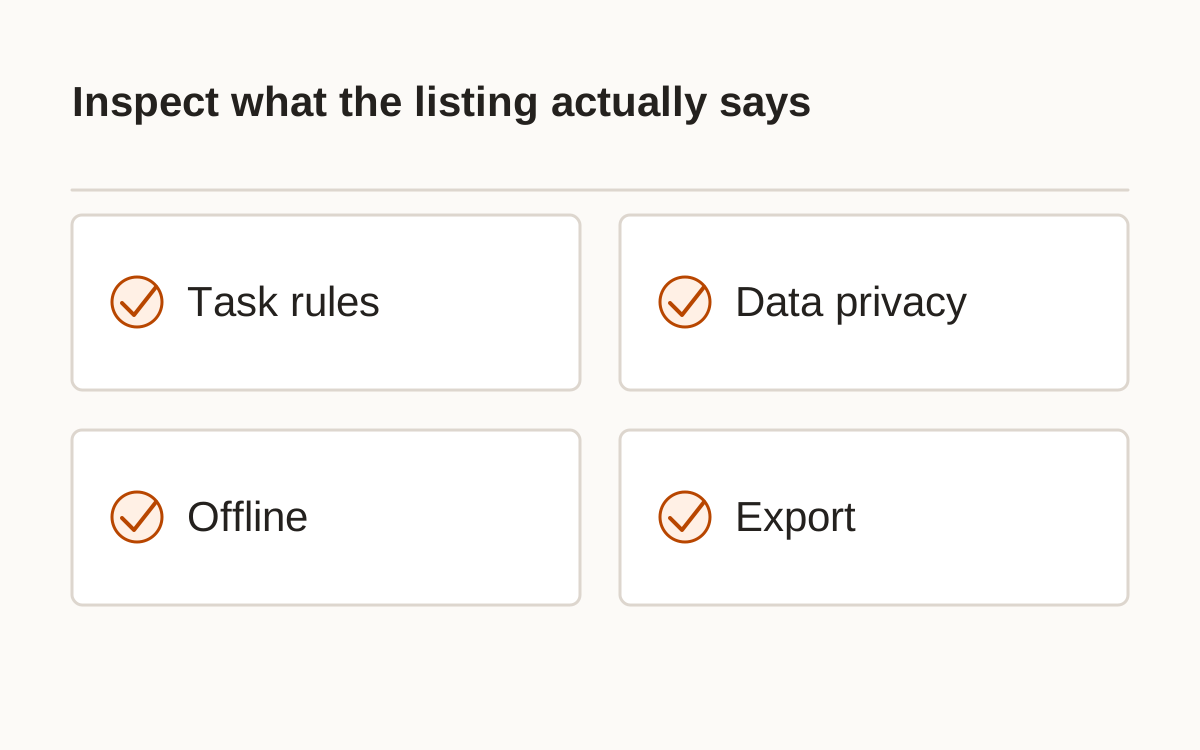
Installation does not establish calibration. Check timer endpoints, early-response handling, missed-cue handling, and access to raw values. If a listing omits details, record them as unknown. Another app’s procedure cannot fill that gap, and a familiar interface does not supply independent measurement evidence.
- Define cue and input.
- Check errors and omissions.
- Inspect raw trials and export.
- Review storage and deletion.
Does installing a reaction time test app calibrate the result?
A useful app fits the procedure and data behavior you need. Store position, screenshots, and download counts do not establish how it handles invalid responses, trial records, or physical timing.
Best reaction time test app: which features matter for your task?
Useful features depend on the purpose. A casual game needs clear instructions and an honest result; a repeated log benefits from settings, export, and protocol labels. Compare actual features instead of selecting a supposedly fastest app. This guide has not independently tested the timing of its listing examples.
Checked October 21, 2026, Google Play’s official Reaction Time listing by Banensoft identifies ads and in-app purchases and describes its task and device-delay caveat. These are listing disclosures and developer statements. Recheck the live page, requirements, and current data-safety information before installing.
| Need | Check |
|---|---|
| Repeat sessions | Protocol and settings recorded |
| Inspect results | Trials and errors visible |
| Keep a log | Export and delete available |
| Work offline | Core task actually works disconnected |
The official listing provides the publisher’s feature, advertising, and data-safety descriptions. Recheck the live listing before choosing to install. Google Play: Reaction Time by Banensoft.
Offline reaction time test: what should you verify?
Check offline behavior explicitly. A developer may describe an offline task while account, advertising, or backup features still use a connection. Distinguish the core task from optional services. Review the current policy and disclosures, and test disconnected use yourself if it matters.
The App Store listing for Reaction Time Test: Reflex Tap describes five rounds and makes offline and local-history claims. These were developer-reported features checked October 21, 2026, not findings from an installation or network audit. This website runs its loaded tasks locally but supplies no guaranteed offline cache or installable app.
The official listing describes its features and offline/privacy claims. These remain developer-reported and were not independently tested here. App Store: Reaction Time Test: Reflex Tap.
How can you check privacy, permissions, and comparisons?
Keep native-app and browser results separate unless their methods and timing paths have been shown compatible. Similar screens may differ in rendering, input handling, and accepted trials. Record app version or site protocol, device, input, cue, and date with each session.
History on this site starts off and stays in the current browser when enabled. Clearing it removes that tool’s saved records; export saves completed session data you choose to download. These inspectable controls support a personal log. The guide does not award a performance ranking, endorse a product, or claim clinical validity.
Frequently asked questions
Has this site independently tested the listed apps?
No. The examples describe official listings, with claims attributed to their developers.
Does an offline claim mean no data is ever collected?
Not automatically. Read the current privacy and data-safety statements.
Should I install an unknown executable to run a test?
Use the original publisher’s supported distribution route and review what you install.
Can I compare native and browser scores directly?
Their cue, timing, and input paths may differ; preserve those differences.
Is this an affiliate ranking?
No. The examples are editorial references, without paid placement or affiliate links.
Sources and method
- App Store: Reaction Time Test: Reflex Tap · checked 2026-10-21. Read within its original procedure; this site’s examples and rules are separate.
- Google Play: Reaction Time by Banensoft · checked 2026-10-21. Read within its original procedure; this site’s examples and rules are separate.
Published October 21, 2026 · human-reactiontimetest.com · Report a correction