
Understand this result with reaction time test. Keep the task and input settings visible when comparing results.
How is a click test scored?
The click test divides accepted manual presses by the selected duration. Choose 1, 5, 10, 30, or 60 seconds, with 10 seconds selected initially. Your first valid press starts a monotonic window, and presses are accepted from that moment up to, but not including, its deadline.
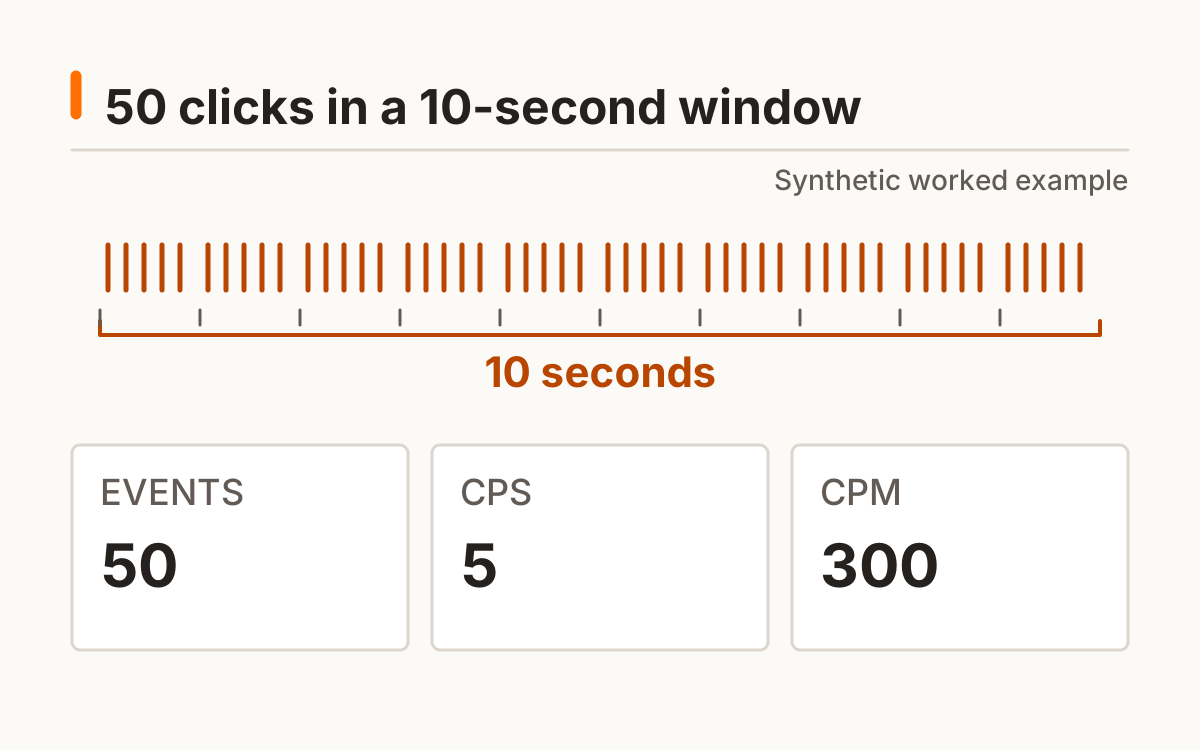
CPS is a rate over the selected window, rather than the average time between two particular clicks. Fifty presses in ten seconds therefore produce 5.00 CPS. A fixed denominator means the displayed rate stays comparable even when the final browser animation frame arrives slightly after the deadline.
- Select mouse or touch before you begin.
- Use primary presses within the response panel.
- Keep clicking until the run ends.
- Review the total and per-second counts together.
The click test counts pointerdown rather than both the press and the later click event. This avoids a routine duplicate from one action. Secondary mouse buttons do not count, and the accepted input retains its selected mouse or touch label.
Which inputs count during a click test?
Only primary pointer presses in the selected mouse or touch mode count. A held keyboard key is not a series of clicks. The first accepted pointerdown starts the clock and counts exactly once; an event at the deadline is excluded. A later click event from the same physical press is not counted again.
The timer uses a monotonic browser clock. See the documentation for the software time reference and resolution limits. MDN browser timing documentation.
Click speed test: which duration should you choose?
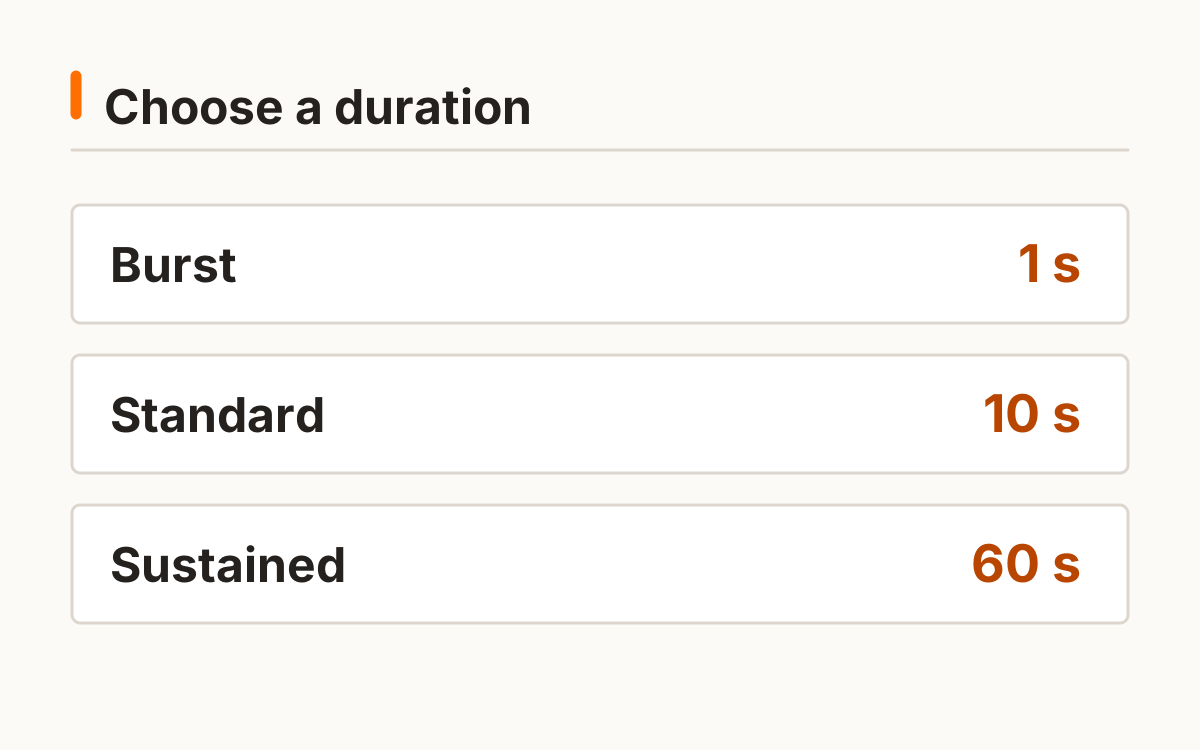
Choose the duration that matches the question you want to repeat. A one-second click speed test describes a short burst. Ten seconds gives you a longer counting window, while sixty seconds records sustained manual input. They share a formula, but a result from one duration is not automatically equivalent to another.
Start with ten seconds if you want a straightforward personal baseline. Keep duration, device, and technique the same when repeating it. Avoid chasing a larger number by changing several settings between runs; that creates a different task rather than a cleaner comparison.
Per-second bins begin relative to your first accepted press. A ten-second run keeps ten bins, including seconds with no presses. Their distribution describes when accepted events occurred without inventing an explanation about fatigue or endurance.
| Duration | Protocol description | Compare with |
|---|---|---|
| 1 second | Brief burst | Other 1-second runs |
| 5 or 10 seconds | Short manual run | Same duration and input |
| 30 or 60 seconds | Longer manual run | Matching longer runs |
How are clicks per minute calculated?
Multiply CPS by sixty to calculate equivalent clicks per minute. In the synthetic example, 50 ÷ 10 = 5 CPS and 5 × 60 = 300 CPM. A separate 60-second run with 300 counted presses also gives 5 CPS and 300 CPM.
Equivalent clicks per minute are a rate conversion, not proof that you maintained a ten-second burst for a full minute. Select the actual sixty-second mode if you want to count a full minute. The click test keeps every duration on this page so there is one set of counting rules and one canonical destination.
CPS is calculated from the integer count and selected window before formatting to two decimals. CPM uses that same unrounded ratio. Multiplying an already rounded display value would introduce another rounding step and is not the calculation used here.
Why can two clicker test runs differ?
Two clicker test runs can differ because of input hardware, contact technique, timing, attention, or the selected window. The per-second bins help you see how accepted events were distributed. A bin is an event count for that second; it is not an independent reaction-time measurement.
Keep mouse runs separate from touch runs. Optional local history records the input and duration with the result, and CSV export retains those settings. Public authenticity is not established by this click test, so the site does not produce a verified leaderboard or call an automated score a human record.
If the window loses focus, the active run is cancelled rather than saved as a completed count. A new run starts from a new first press. This keeps background interruptions out of the same timed attempt without fabricating missing clicks.
The click test keeps duration and input with saved counts. A local best applies only to matching settings. Export before clearing if you want a copy outside the browser. A cancelled run begins again from a new first press rather than resuming an elapsed window.
Frequently asked questions
Does the first click count?
Yes; it starts the clock and counts once.
Is CPM a separate test?
No; it is a rate shown here, with an optional actual 60-second run.
Can I compare different durations?
Keep duration and input method constant for a fair personal comparison.
Does keyboard repeat count?
The click protocol does not treat held keys as clicks.
Are autoclicker scores valid?
This is a manual-input task; no public authenticity guarantee is offered.
Sources and method
MDN browser timing documentation. Read this source within its own method; the protocol and synthetic examples on this page describe this site’s implementation.
Published October 20, 2026 · human-reactiontimetest.com · Report a correction